Learning platform / Product interface
TechWise 360
A learning portal connecting lesson management, student progress, and VR-related educational activities.
The project,
in perspective.
An academic capstone with separate teacher and student interfaces. Teachers manage lessons and students; the portal also includes progress reporting and records related to VR learning activities.
Clarity through
composition.
The design challenge
Bring account access, learning content, and class information into a navigable interface. Teachers need a quick overview and clear paths into detailed work, while students need a focused route to their learning activities.
Visual direction
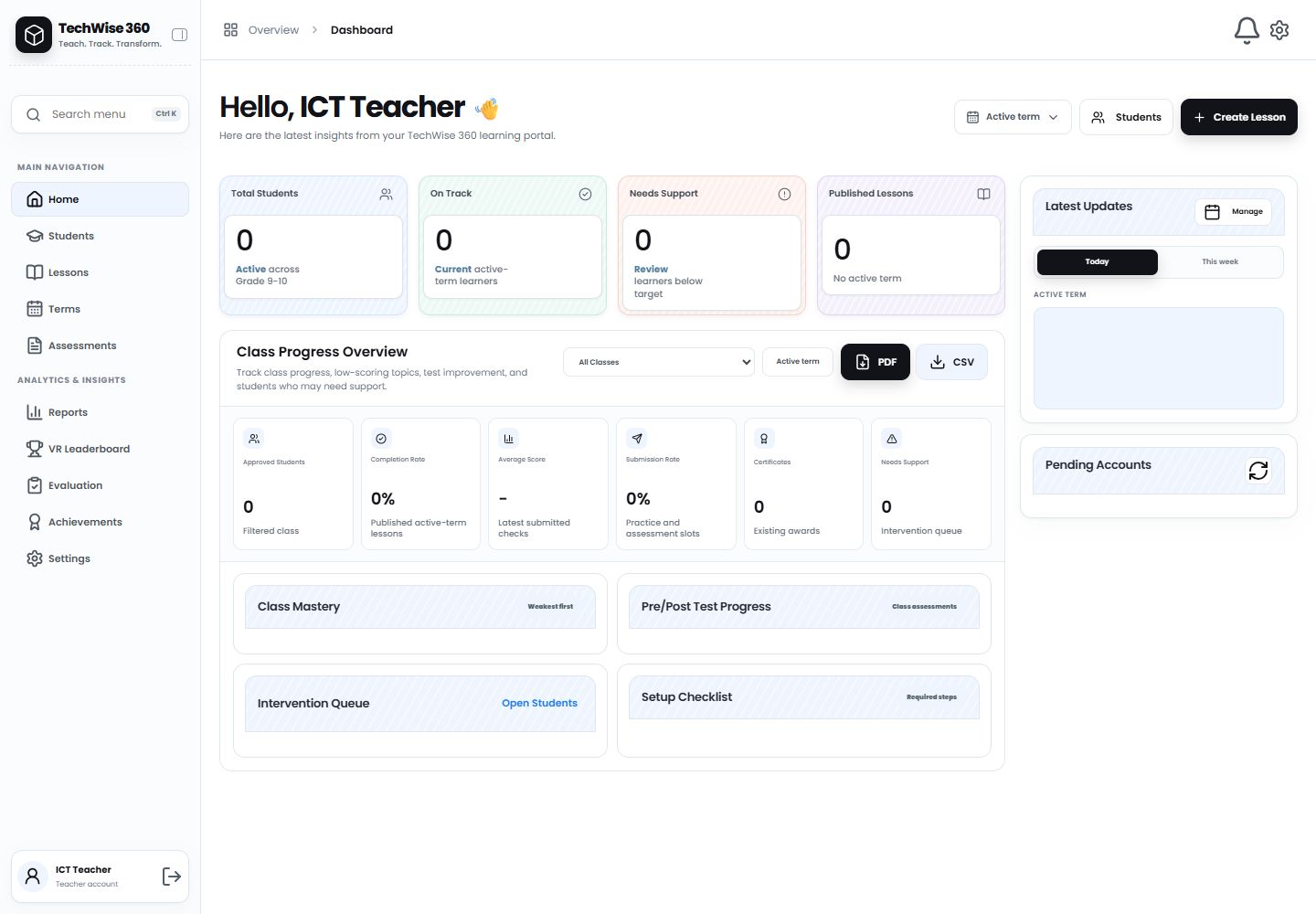
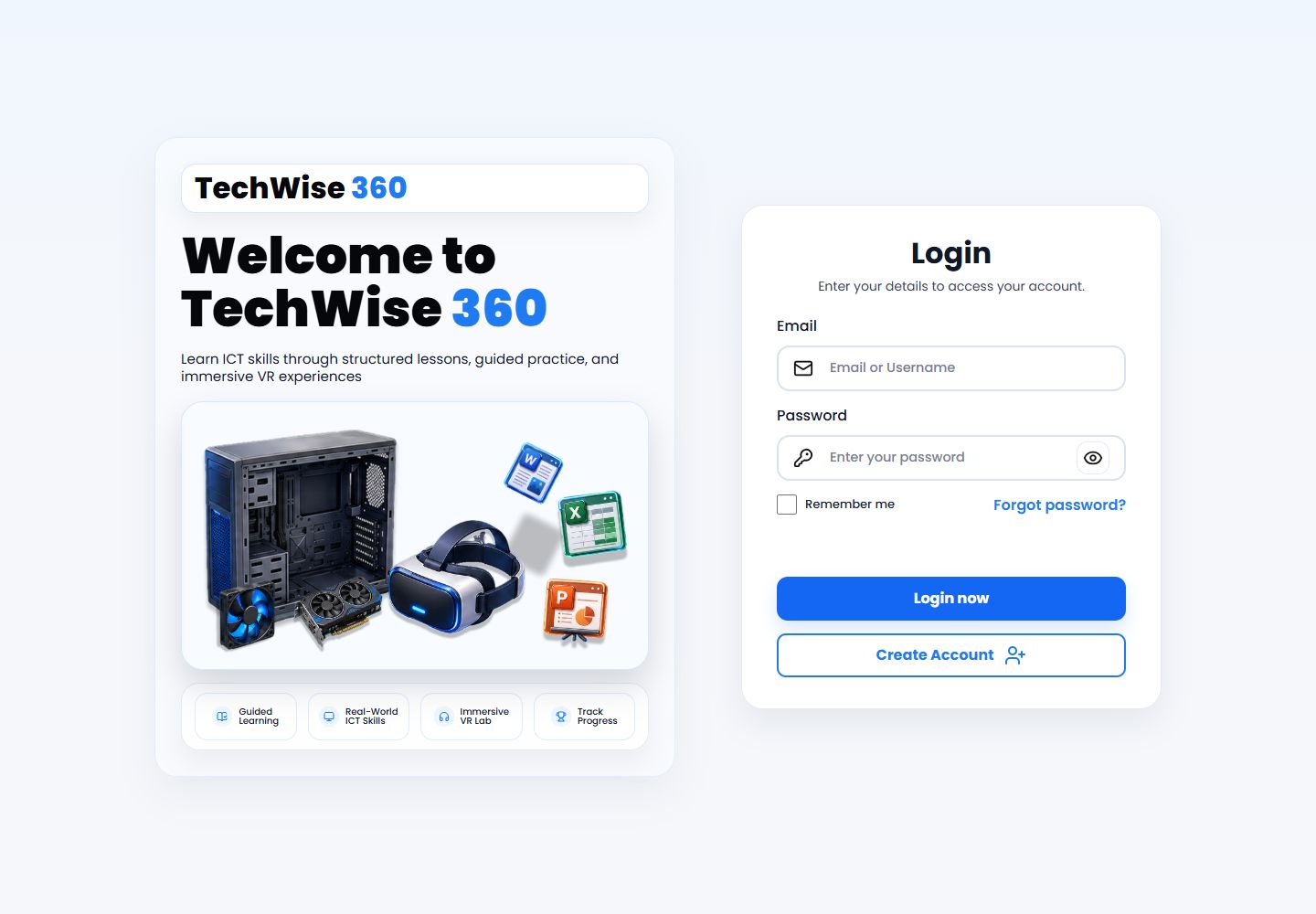
Poppins, pale surfaces, and restrained borders organize the information. Strong action buttons anchor sign-in and lesson creation. The dashboard combines a persistent navigation column with grouped metrics and task-specific panels.
03 / Information architecture
A place for every task.
- 01
Account access
- 02
Role dashboard
- 03
Lessons & activities
- 04
Progress & reports
Teacher navigation separates daily work—students, lessons, terms, and assessments—from analytics, reports, and VR-related results.
UI system
- Labeled authentication forms cover sign-in, registration, and password recovery.
- Dashboard panels group class metrics, updates, pending accounts, and progress.
- Filters, status indicators, and report controls support detailed teaching workflows.
Different screens.
One identity.
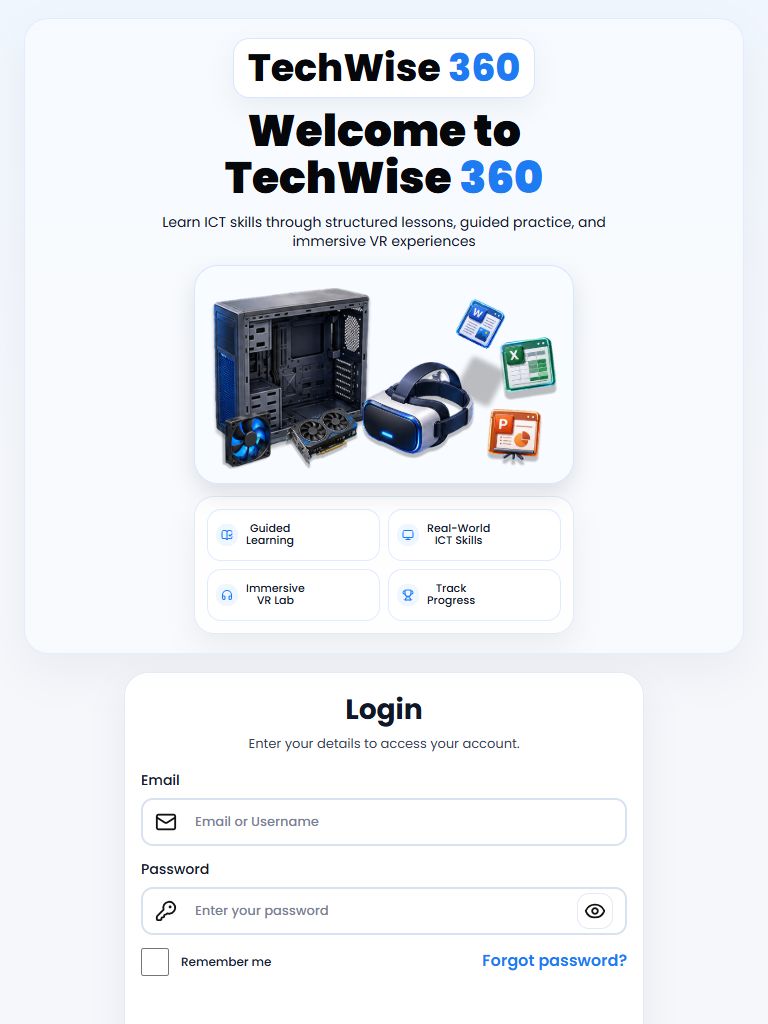
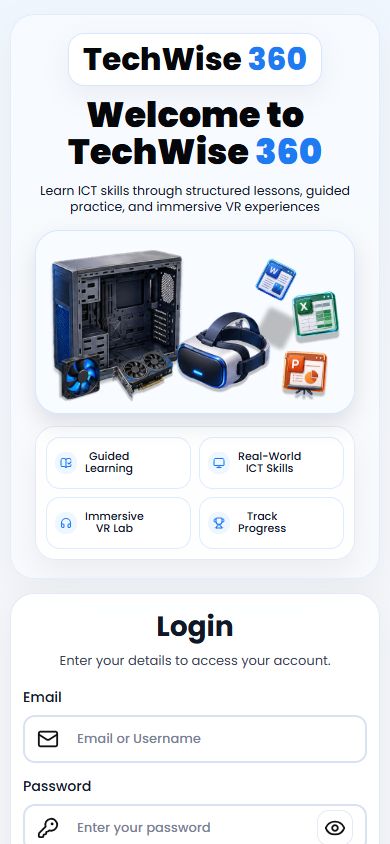
The authentication layout reorganizes for narrow screens. Dashboard styles include breakpoints for the navigation and content columns, with smaller layouts concentrating the available space on the active task.
From interface
to experience.
Front-end approach
The web portal uses HTML, CSS, and JavaScript with Supabase and Cloudflare Pages Functions. Public source includes teacher approval, lesson uploads, progress views, and report interfaces. Authentication is required to use the application.
Final experience
The teacher dashboard places class status, lesson creation, and progress reporting within one workspace. This source preview documents the interface; a public signed-in demo is not available.